Skip to content

Sauna, Cold Plunge & Hot Tub Manufacturer OEM / ODM

Request a Quote →

Model-first assistance

Bropool Product Support

Start here for Bropool manuals, installation planning, maintenance guidance, warranty questions and order-linked after-sales support. Provide the exact model, rating label, order reference, destination and issue so the request reaches the right document or service route.

Start with the exact model, order or quotation reference, destination and a clear description of the task. That information lets the team distinguish a document request from a site-planning question, and a new commercial project from an issue linked to supplied equipment. If you do not yet know the model, send a clear photograph of the complete product and its rating label so the identification step can begin.
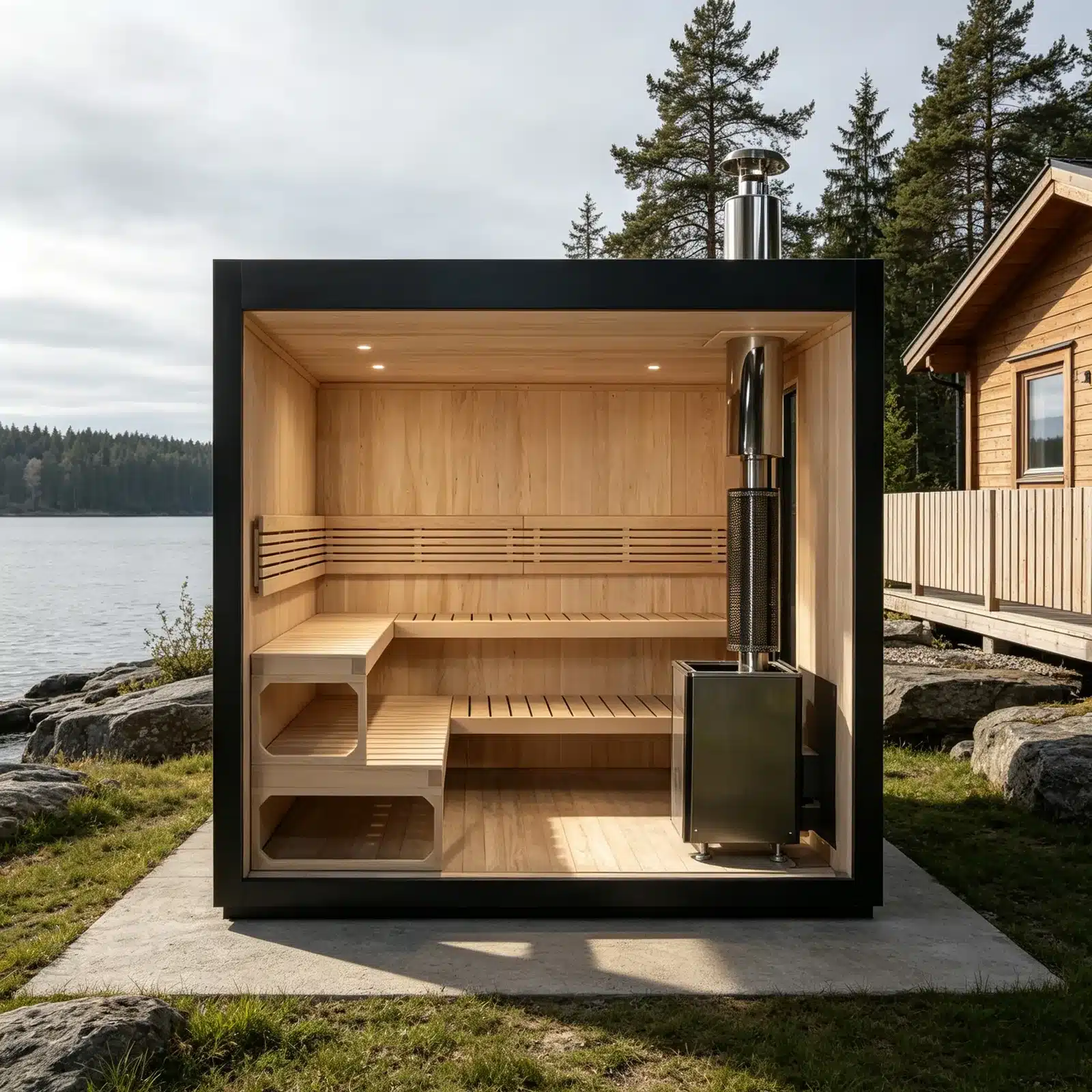
Bropool OS-1110 product in an illustrative lakeside outdoor setting
OS-1110 · illustrative product scene

Choose a route

Use the page that matches the decision you need to make

Each route asks for a different set of information. Choosing the closest route keeps manuals, site questions and order-linked issues from being mixed together.

Manuals & documents

Request a current operation, installation or technical file for a known model, controller, electrical configuration, language and destination.

Open manuals & documents →

Installation planning

Prepare access, base, clearances, electrical supply, ventilation, drainage and responsibilities before the product reaches the site.

Open installation planning →

Warranty & after-sales

Report an issue tied to an order, supplied model and current condition, with photographs or video that show the problem clearly.

Open warranty & after-sales →

Maintenance & care

Find the routine-care route for the product family, then confirm that the instruction matches the exact model and supplied components.

Open maintenance & care →

Product identity

Show the complete product before focusing on one component

A wide product photograph helps Bropool separate sauna, cold-plunge and hot-tub families and recognize the visible layout. A close-up can then show the controller, fitting, heater, chiller, valve or other part connected with the question. Appearance alone may not identify electrical ratings or internal components, so include the rating label and written order reference whenever available.

Bropool CT-20 cold plunge in an illustrative product scene
CT-20 · illustrative product scene
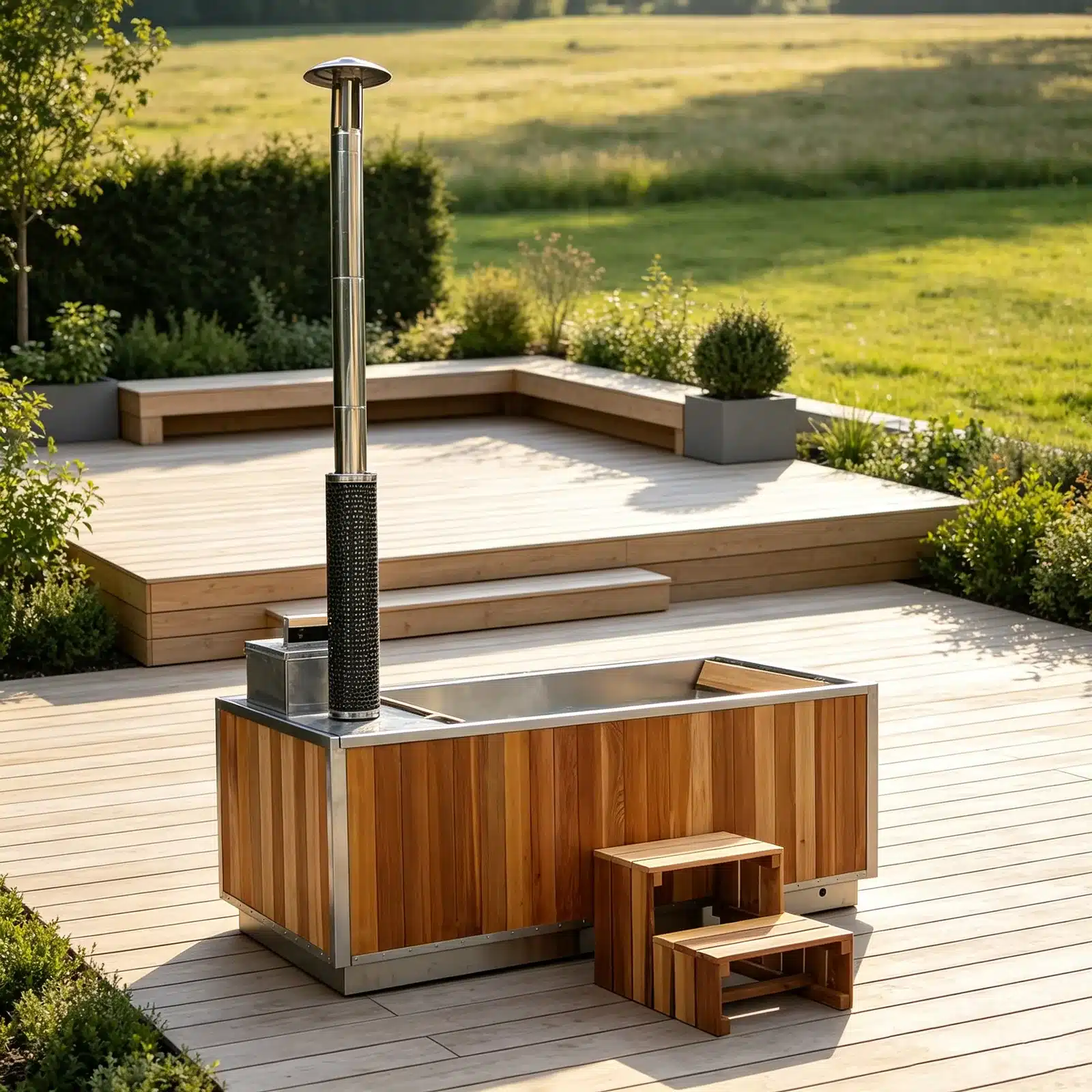
Illustrative outdoor setting for the Bropool HT-106 rectangular hot tub
HT-106 · illustrative product scene

Useful identification set: one full product photo, one rating-label photo, one close-up of the relevant component, and the order or quotation reference.

Describe the task

Give the support team enough context to act

State what you expected, what happened, when it began and whether the condition is constant or intermittent. For an operating issue, include the controller display, any code shown, recent changes, ambient conditions and the last step completed before the issue appeared. For a physical issue, show both the surrounding area and a close detail so the location is unambiguous.

  • Exact model and rating-label details
  • Order, invoice or quotation reference
  • Country and installation location
  • Controller or component identification
  • Clear photographs or a short video
  • Current operating and safety state
  • Steps already taken and their result
  • The answer or next action you need

Do not alter wiring, bypass a protective device, dismantle a pressurized or heated system, or continue using equipment that appears unsafe while waiting for a reply. Isolate the product where it is safe to do so and involve a qualified local professional for urgent electrical, structural, water or combustion concerns.

Bropool OS-1200 control interface mounted beside the sauna interior
A controller close-up is useful when it is paired with the exact model, current display and surrounding installation context.

What happens next

A clear request moves through four practical steps

The sequence may change with the product and issue, but a complete first message reduces repeated questions and helps the correct person respond.

01

Identify

Bropool matches the model, order reference, destination and visible configuration. If these details conflict, the team asks for a label or wider photograph before giving model-specific guidance.

02

Classify

The request is routed as a manual, installation, maintenance, commercial or after-sales matter. This determines which records and people are needed for the next reply.

03

Clarify

Missing information is requested in a short list. Send the new files under the same subject or reference so photographs, documents and decisions stay connected.

04

Respond

The team returns the relevant file, clarification or proposed next step. Any action remains tied to the identified model and the responsibilities stated in the order or quotation.

Keep requests distinct

Use RFQ, support and general contact for different purposes

A new sourcing project needs commercial and site inputs. An issue with delivered equipment needs order-linked identification and condition details. A general company question needs only enough context to reach the right team.

Your situationBest routeInclude first
New product or OEM projectRequest a QuoteProduct family, destination, quantity, schedule, application and requested changes.
Question about supplied equipmentProduct support or the relevant route aboveExact model, order reference, rating label, current condition and useful photographs.
Manual or technical fileManuals & documentsModel, controller, electrical configuration, language, destination and intended task.
General business questionContact BropoolCompany, contact details, country and a concise question.

Common questions

Bropool product support questions

Can I request support without an order number?

Yes. Send the company name, approximate order date, destination, exact model if known, and clear photographs of the product and rating label. Bropool may need additional information before it can link the request to a supplied configuration.

Can a photograph identify the correct manual?

A full product photograph can help identify the family, while a rating label and controller close-up narrow the version. The current file still needs to be matched to the model, electrical configuration, language and destination.

Should I send several issues in one message?

Keep issues for the same product and order in one thread, but number them and attach a separate image set for each. Use separate requests for unrelated products or sites so the identification details do not become mixed.

Does product support provide on-site installation or repair?

Availability and responsibility depend on the written order, destination and project arrangement. Use the installation or after-sales route to describe the site and required work; Bropool can then clarify the appropriate next step.

What if the equipment may be unsafe?

Stop use where it is safe to do so, keep people away from the affected area and contact an appropriately qualified local professional for urgent hazards. Send Bropool the exact model, condition and photographs after immediate safety needs are addressed.

Contact product support

Send the model, order reference and the result you need

Attach a complete product photo, rating label and relevant close-up. State the destination, current condition and whether you need a manual, installation clarification, maintenance guidance or after-sales review.

Project enquiry

Send the model, order context and question for review.

Share the company, destination, product direction and decision you need Bropool to review. The team will use the selected page and your message as the starting context.

Preparing the secure form…