Skip to content

Sauna, Cold Plunge & Hot Tub Manufacturer OEM / ODM

Request a Quote →

Home / Resources / Buyer Guides

Wellness equipment buyer guides · decision library

Wellness Equipment Buyer Guides

Use Bropool buyer guides to prepare supplier comparisons, site requirements and clearer RFQs for saunas, cold plunges and hot tubs.

Choose the guide that matches the decision in front of you: supplier qualification, cold plunge specification, OEM scope, sauna placement, outdoor form or material route. Each guide leads to a relevant product or quotation page.
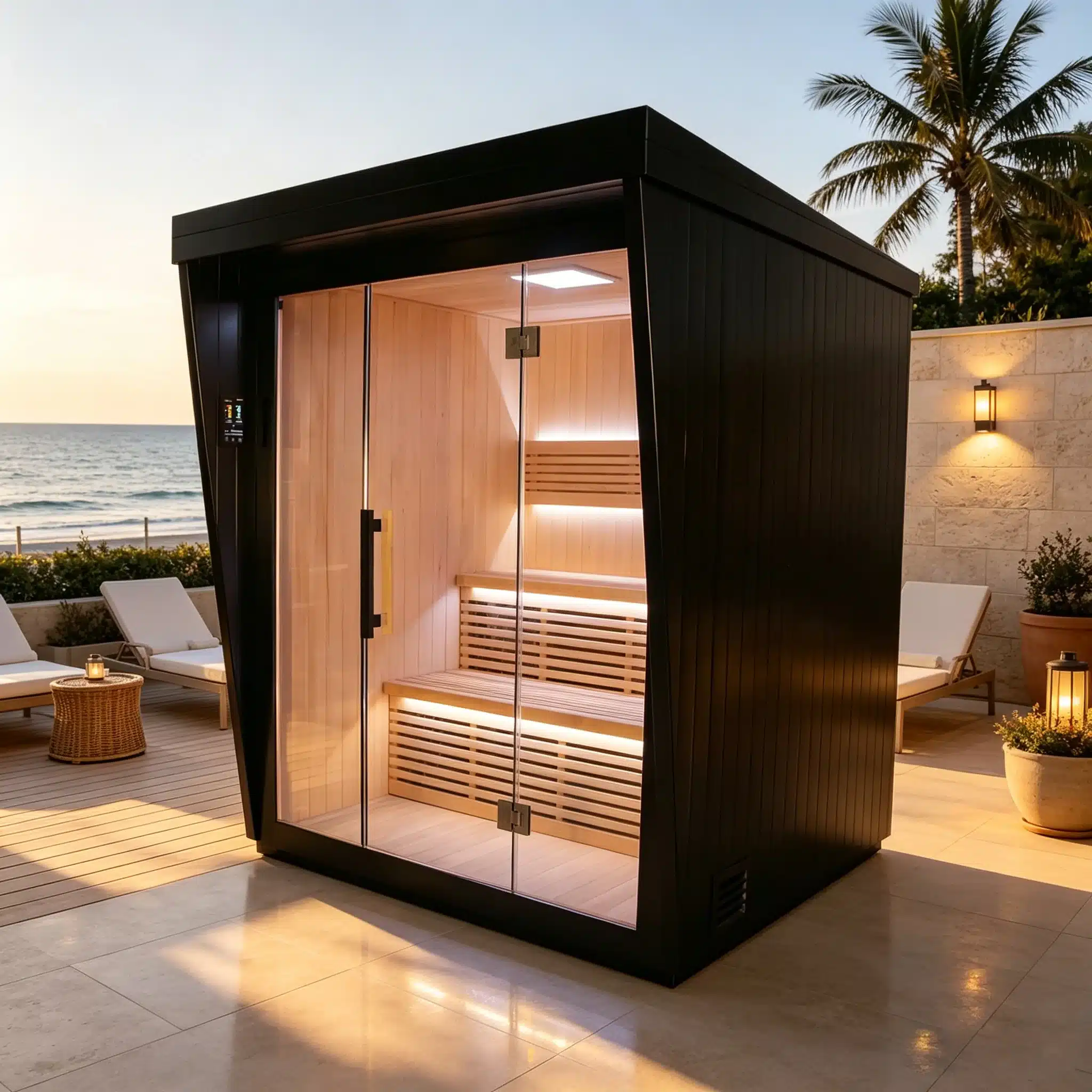
Bropool OS-1200 outdoor sauna shown in an illustrative poolside setting
Illustrative OS-1200 placement visual for early planning; it is not a completed customer installation.

Guide library

Choose the Guide That Matches the Buying Decision

Choose the guide that matches the decision you need to make. Each guide links to the relevant product, installation or quotation page.

01

How to choose a sauna manufacturer

Compare model records, factory context, change control, documents and repeat-order readiness.

Read the supplier guide →
02

Cold plunge specification guide

Define vessel, water system, utilities, service access, use and site inputs.

Build the plunge brief →
03

OEM private-label wellness equipment

Separate the base product from branding, finish, packaging and approval changes.

Plan the OEM route →
04

Indoor vs outdoor sauna

Compare building integration, exposure, access, maintenance and responsibility boundaries.

Choose placement →
05

Barrel sauna vs cube sauna

Compare form, usable space, glazing, weather details, assembly and channel fit.

Compare formats →
06

Sauna specification guide

Prepare a model-neutral brief covering capacity, room, heat, controls, utilities and documents.

Write the sauna brief →
07

Stainless steel vs wood-clad cold plunge

Compare visible material route, site fit, care and product evidence without assuming hidden construction.

Compare materials →

Choose by output

Each Guide Should Produce a Usable Record

Each guide should produce a supplier checklist, comparison, site brief, specification or OEM change list that the next reviewer can use.

DecisionGuide outputNext owner page
Can this supplier support the program?Qualification questions tied to products and recordsFactory and quality
What must the cold plunge system include?Vessel, equipment, site and service briefCold plunge
Which sauna placement route fits?Indoor/outdoor comparison plus site responsibilitiesInstallation planning
Which outdoor form should be shortlisted?Barrel/cube comparison tied to current modelsOutdoor sauna
What changes belong in private label?Base-model record and controlled change listOEM and private label
Is the brief ready for pricing?Prioritized requirements and open questionsRequest a quote

Use a guide well

Add the Real Market, Product and Site Requirements

Comparison criteria only become useful when they are applied to a destination, product route and intended use. Avoid scoring a supplier or model from a gallery, filename or single headline specification.

Name the decision

Write the exact question the guide must answer.

Add constraints

Record market, users, site, utilities and access.

Compare current routes

Use model records and written supplier responses.

Resolve open items

Ask for drawings, components and responsibility details.

Carry it into RFQ

Send the shortlist and remaining choices together.

From visual preference to specification

Product Photos Show Form and Specifications Confirm the Product

A buyer may begin with a material, enclosure or placement preference. Convert that preference into measurable questions about footprint, access, utilities, components, service space, care and supplied scope.

For cold plunge projects, the cold plunge specification guide separates vessel and system requirements. For sauna projects, the sauna specification guide organizes room, heat and site inputs.
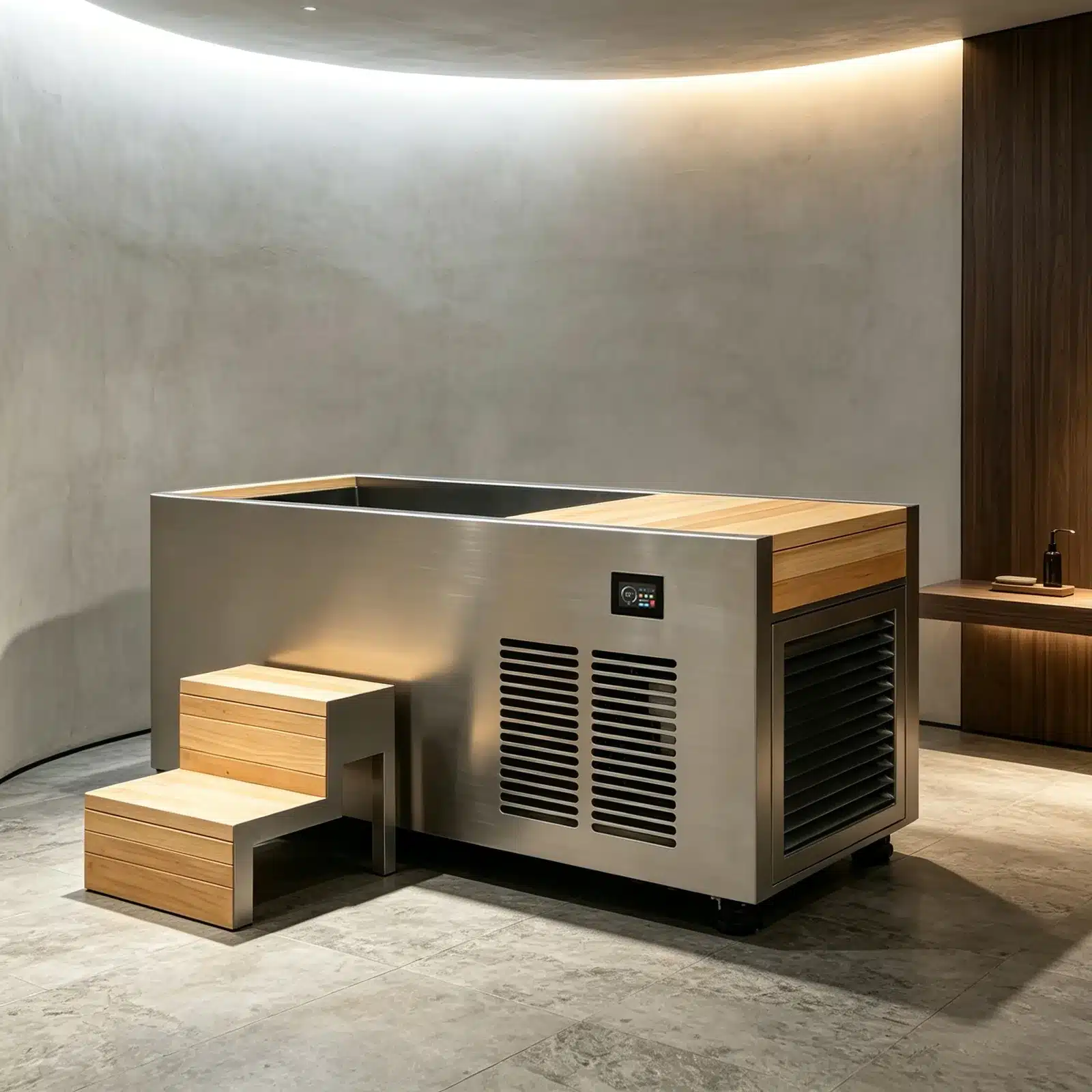
  • Use a complete product view to identify the family or format.
  • Request the current model dimensions and supplied-component list.
  • Record site, access and utility conditions separately.
  • Confirm configuration and documents before commercial approval.
Bropool CT-24 product in an illustrative indoor wellness setting
CT-24 · illustrative product scene

Prepare the commercial handoff

Use the Guide to Prepare a Shorter RFQ

Summarize the selected route, rejected alternatives, mandatory requirements, preferred options and open questions. Add the destination, intended use, quantity and delivery context.

Bropool can then respond at the right level: a family route, model shortlist, product record, site clarification, OEM feasibility review or quotation. Keep changes in writing so later revisions and repeat orders return to the same baseline.

  • Separate must-have requirements from preferences.
  • Name the model or ask for a shortlist when it is unknown.
  • Attach site dimensions or access constraints where relevant.
  • List the records needed for internal or market approval.

Buyer questions

Buyer Guide Questions

Add the completed comparison or checklist to the RFQ.

Which Bropool buyer guide should I read first?

Start with the decision that blocks progress. Use the manufacturer guide for supplier due diligence, the specification guides for an RFQ, and the comparison guides when a product format remains open.

Do the guides replace current model specifications?

No. Guides organize questions and comparison criteria. Final dimensions, materials, components, electrical data, supplied scope and documents must come from the current model and quotation.

Can a guide be used for an OEM project?

Yes. Use it to define the base product and project requirements, then move branding, finish, packaging and approval changes into the OEM workflow.

How should a commercial project use the comparison guides?

Record the venue, users, site, access, utilities, operating plan and local responsibilities. The comparison can then eliminate unsuitable routes before detailed configuration begins.

What should I send after completing a guide?

Send the resulting shortlist or checklist through the RFQ route with destination, quantity, use, site constraints and required documents.

Project-specific next step

Add the Guide Results to One RFQ

Send the decision record, product route, destination, quantity, site context and requested documents. Bropool can use that brief to recommend the next current model or project step.

Project enquiry

Tell us what you are sourcing.

Share the company, destination, product direction and decision you need Bropool to review. The team will use the selected page and your message as the starting context.

Preparing the secure form…