Buyer guides
Compare suppliers, product formats, materials and project routes before choosing a model.
Open buyer guides →Sauna, Cold Plunge & Hot Tub Manufacturer · OEM / ODM
Home / Resources
Sauna and cold plunge resources · buyer routes
Find Bropool buyer guides, catalogs, manuals, installation information and after-sales support for saunas, cold plunges and hot tubs.
Start with the decision you need to make. Use buyer guides for comparison, the product catalog for range planning, installation resources for site inputs, and support routes when a model or order is already known.
Choose a resource route
Choose the page that matches your task so product selection, documents, installation planning and order support stay clear.
Compare suppliers, product formats, materials and project routes before choosing a model.
Open buyer guides →Request the current no-price range overview for commercial or distributor planning.
Request the catalog →Ask for the file that matches the model, version, language and configuration.
Find manuals →Record site, access, utilities, drainage, ventilation and responsibility inputs.
Plan installation →Route an order-linked product or component issue with traceable information.
Open after-sales →Get concise answers to common product, OEM, quotation and support questions.
Read buyer FAQ →Three product decisions to keep separate: sauna cabin and heat route; cold plunge vessel and cooling route; hot tub vessel and stove or hydro system. Start with the family owner page, then open only the guide or support page needed for the next decision.
Use resources in sequence
A guide can help define a requirement, but it does not replace the current model details. A catalog can show range direction, but it does not confirm the supplied scope. A manual can explain a product, but only when the model and version match.
The practical sequence is research, shortlist, site check, quotation, approval and support. Keep the result of each step so the next conversation starts from a clear baseline.
Clarify the buyer decision and compare relevant routes.
Identify the current model or format worth reviewing.
Add access, utilities, exposure and service needs.
Define quantity, options, documents and delivery context.
Use model and order identity for files and after-sales.
Find the right Bropool resource
The resource hub is most useful when the buyer can name the expected output: a comparison, a shortlist, a site brief, a current document or an order-linked support action.
| Buyer situation | Best starting route | Useful output |
|---|---|---|
| The format or supplier is still undecided | Wellness equipment buyer guides | A decision checklist and clearer shortlist |
| The family is known but the range is not | Product catalog request | A current no-price product overview |
| A site may rule out some models | Installation planning | A footprint, access and utility brief |
| A model is known and a file is needed | Manuals and documents | A model- and version-matched request |
| An order-linked issue needs action | Warranty and after-sales | A traceable service case |
| The project is ready for commercial review | Request a quote | A product- and site-specific RFQ |
Use imagery to define the question
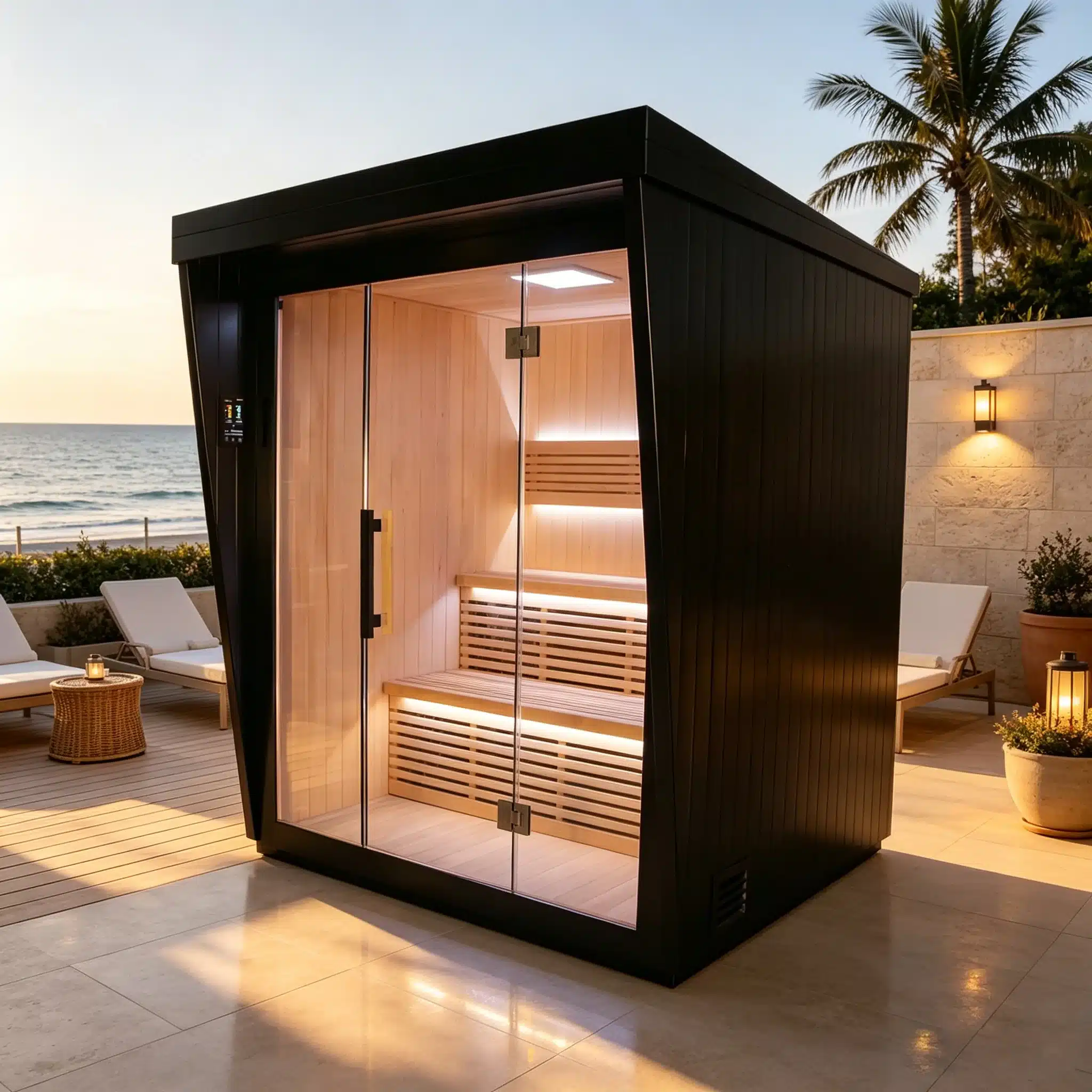
Images help buyers discuss vessel form, access, visible components and finish direction. They do not establish capacity, electrical data, cooling performance, installation scope or document applicability on their own.
When an image is useful, reference it in the enquiry and state what you want to confirm. Pair the visual with the intended use, destination and site information so Bropool can return a current model response.
Carry one project record forward
Record the selected route, current model, site conditions, approved options, required documents and open questions. That record gives procurement, installation and supplier teams the same reference point.
If the project includes both sauna and cold plunge equipment, the commercial wellness route can keep shared access, scheduling and handoff requirements in one project-level conversation.
Buyer questions
Use the selected resource to prepare one product and site request.
The center routes buyers to product comparisons, sourcing guides, the no-price catalog request, installation planning, model-matched manuals, support and after-sales pages.
Use a buyer guide when the decision is still about format, supplier or specification. Request the catalog when you need a current range overview for a known product family.
No. A manual should match the product, version, language and configuration. Use the manual request page when the current file is not publicly listed.
Use installation planning to record footprint, access, exposure, utilities, drainage, ventilation and the division of local and supplier responsibilities.
Carry the output of the guide into the RFQ form: destination, product route, quantity, use, site constraints, options and requested documents.
Project-specific next step
Send the product family, market, intended use, site inputs and decision you need next. Bropool can route the enquiry to a current model, catalog, document, installation or support conversation.
Project enquiry
Share the company, destination, product direction and decision you need Bropool to review. The team will use the selected page and your message as the starting context.